Alpha eMail Marketing 365 — Newsletters & Campaigns
Send newsletters and offers to your customers — while retaining full control of your customer list, through Microsoft 365.
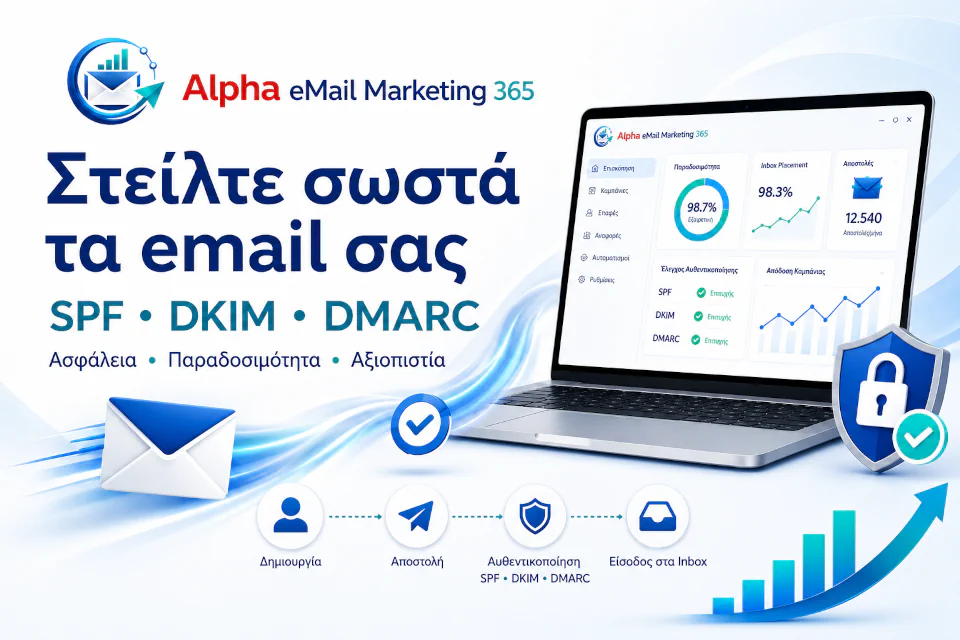
Email marketing through your own Microsoft 365
Alpha eMail Marketing 365 Start is the ideal solution for small and medium businesses that want to send newsletters, offers and updates to their customers, without moving their client list to cloud platforms.
- Uses Microsoft 365 and your own infrastructure as a complete email-marketing tool.
- Your contacts stay local, inside your business, while you organize customers into groups, create attractive newsletters and send campaigns at a controlled pace.
- Easily create professional emails with text, images, tables, buttons and per-recipient personalization.
- Import contacts from Excel, Mailchimp or connect to your ERP/CRM — with checks for duplicates, invalid emails, inactive domains and bad addresses.
- Gradual sending, respecting the limits of your account and of major email providers, to protect your sender reputation.
- Unsubscribe (opt-out) management, campaign reports, bounce checks and domain-status checks (DNS, SPF, DKIM, DMARC).
- No separate sending quota is imposed by the application. Sending remains subject to the limits and policies of your Microsoft 365 plan (Business Basic, Standard, Premium, E3, E5, etc.).
A practical, secure and affordable solution for any business that wants to communicate properly with its customers, through its own Microsoft 365.
For any business with a client list
It is aimed at businesses that have a client list and want to communicate with their customers in an organized way: retail stores, online stores (e-shops), technical companies, hotels, restaurants, tourism businesses, travel agencies, gyms, business consultants, accounting firms, service providers, B2B businesses, associations and professionals of every kind.
Essentially, for anyone who wants an additional, organized communication channel — a simple, practical and affordable newsletter tool, without the complexity of large international marketing platforms.
Professional newsletters
Text, images, tables, buttons and per-recipient personalization — easily and simply.
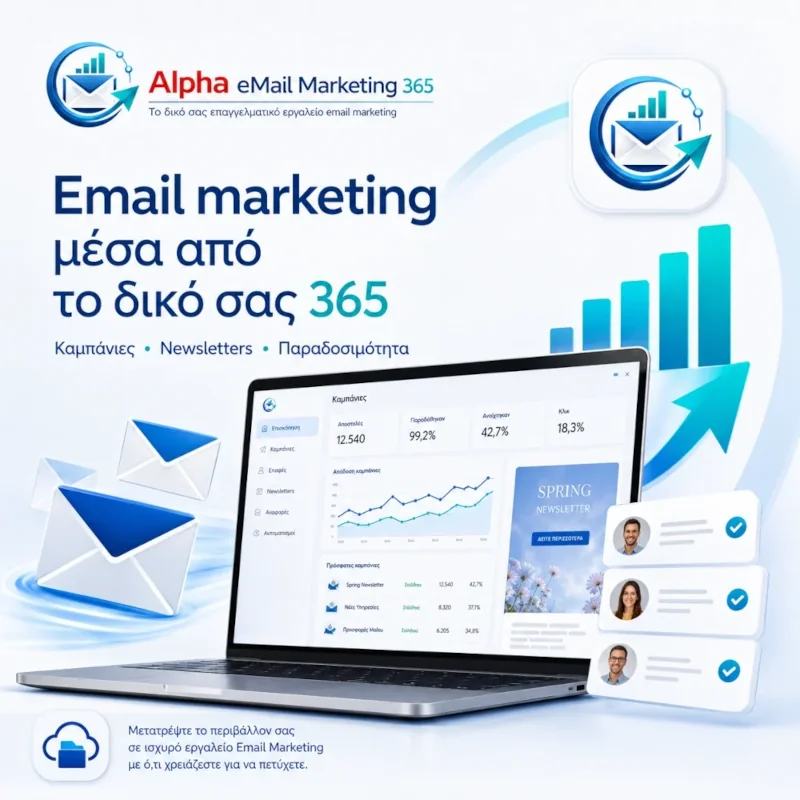
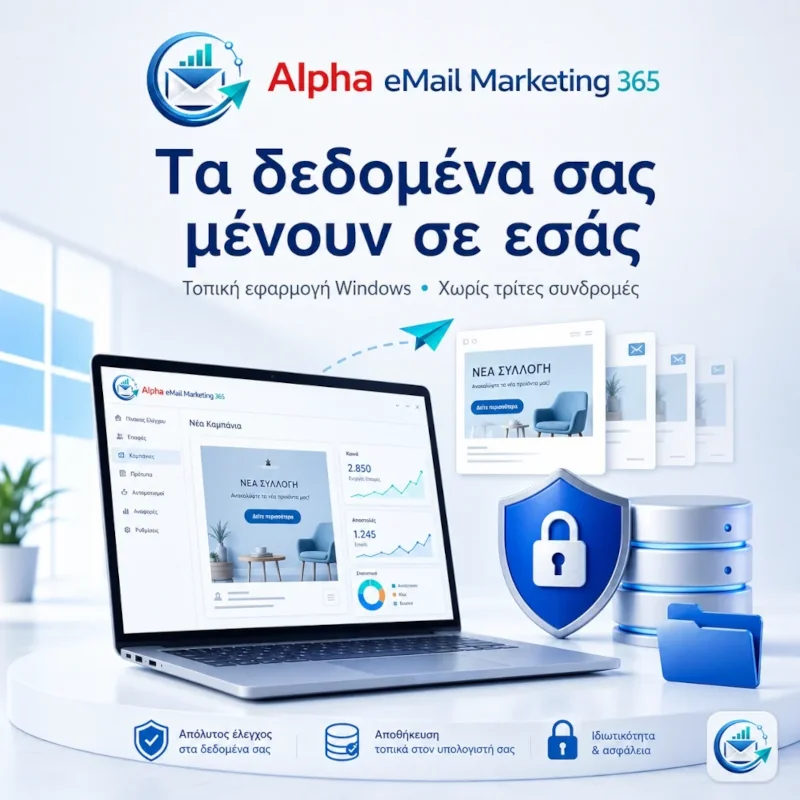
Organize contacts into groups
Contacts stay local; import from Excel, Mailchimp, ERP/CRM or e-shop, with checks for duplicate and invalid addresses.
Controlled sending (warm-up)
Gradual sending that respects provider limits, to protect your sender reputation.
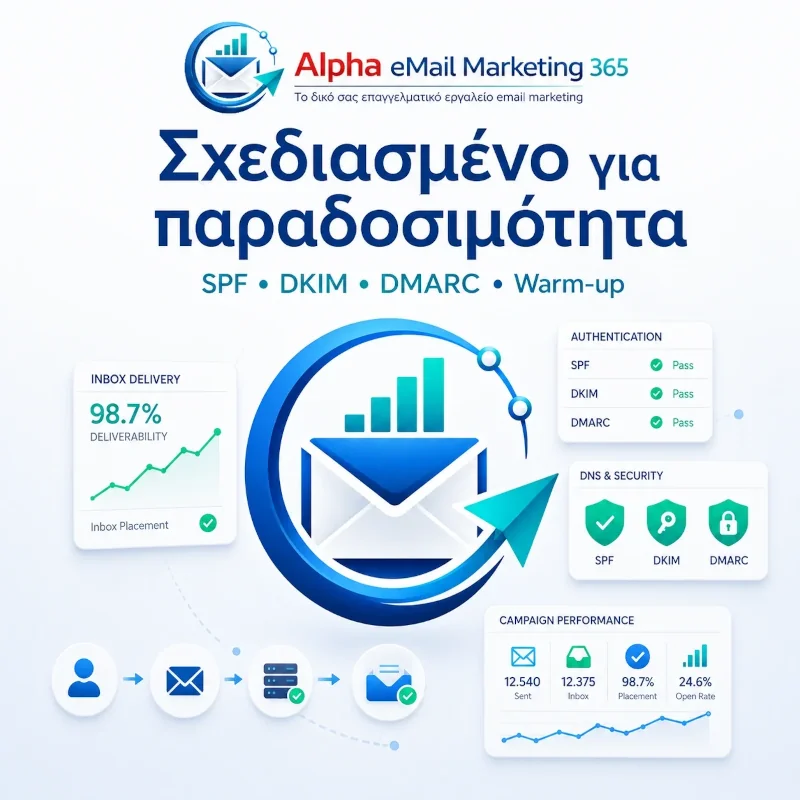
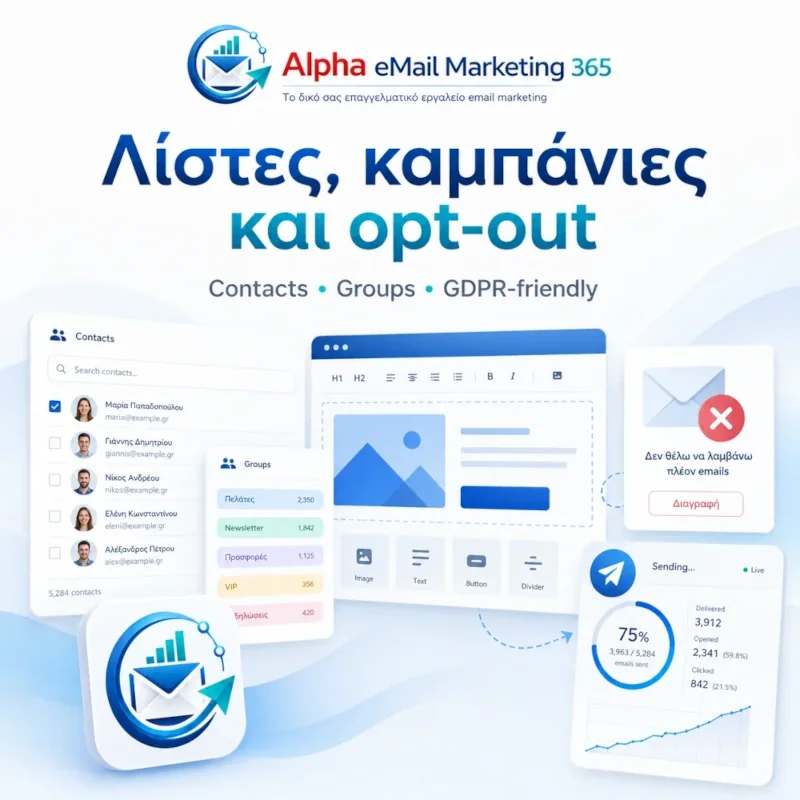
Reports & compliance
Opt-out, bounces, campaign reports and domain checks (SPF, DKIM, DMARC).
What do I need to use it?
You need a Microsoft 365 business account and a computer running Windows 10, Windows 11 or Windows Server that stays on during sending hours.
You don't need your own internet server or a subscription to a foreign email-marketing platform. If you don't have Microsoft 365, you can obtain and configure it through Alpha Pliroforiki S.A.
Microsoft 365 configuration is largely automated by the application. You also need a shared email address (e.g. noreply@company.gr) in Microsoft 365 for sending and replies. The application provides complete instructions for correctly setting DKIM, SPF and DMARC in your domain's DNS records.
Can I migrate contacts from Mailchimp or WooCommerce/WordPress?
Yes. The application supports migrating contacts from a Mailchimp export or syncing email contacts from a WooCommerce online store. This way you reuse existing lists without starting from scratch.
You can export your contacts from your current platform in any format and import them intelligently: active contacts are added to your database, while unsubscribed users are kept on the block list, so you continue correctly and lawfully.
For a WordPress/WooCommerce e-shop, full or gradual sync is supported, with an automatic group (e.g. “🛒 e-shop”) for easy management. In general, e-shops, Mailchimp and Excel imports are supported.
Installation, training & support
- Installation
Online purchase · Payment · Setup on Windows · License request · Activation.
- Import contacts
From your own file, ERP/CRM, e-shop, Excel or Mailchimp.
- Campaign design
Prepare a template, choose a contact group and send with automatic warm-up.
- Support
Technical support for Domain DNS & Microsoft 365 setup, so you can send your first campaign.
Want to see Alpha eMail Marketing 365 in action?
Full details, pricing and online purchase in our online store, request a demo or install it on your computer.